Create Scroll-Stopping UGC & Meme Videos in Minutes, Not Hours
Skip the expensive creators and endless editing. Generate engaging, viral-ready content directly from a prompt and publish in moments.
WATCH THE DEMO BELOW TO SEE IT IN ACTION
NO MONTHLY FEES. SATISFACTION GUARANTEE
The Problem With Creating Video
Content for Social Media
You’ve likely tried to create video content yourself or hired someone to do it. You've been told you need to be consistent, but you're constrained by one of two things: a lack of time or a lack of money.
The problem isn't a lack of ideas; it’s a lack of affordable and efficient tools to bring those ideas to life.

How QuickVid Solves This
QuickVid was built to remove the high cost and time commitment associated with creating short-form video content. We've flipped the traditional model on its head by allowing you to create high-quality, professional-looking videos in minutes.
Here's how QuickVid makes it easy to create scroll-stopping video content:
What does this REALLY mean for you?
Scale your content production
You no longer need to spend $100+ per video, hours creating content and learning video editing tools, or work with an entire team to get high-quality creatives for your ads and social media videos.

Test hooks and ads faster than ever
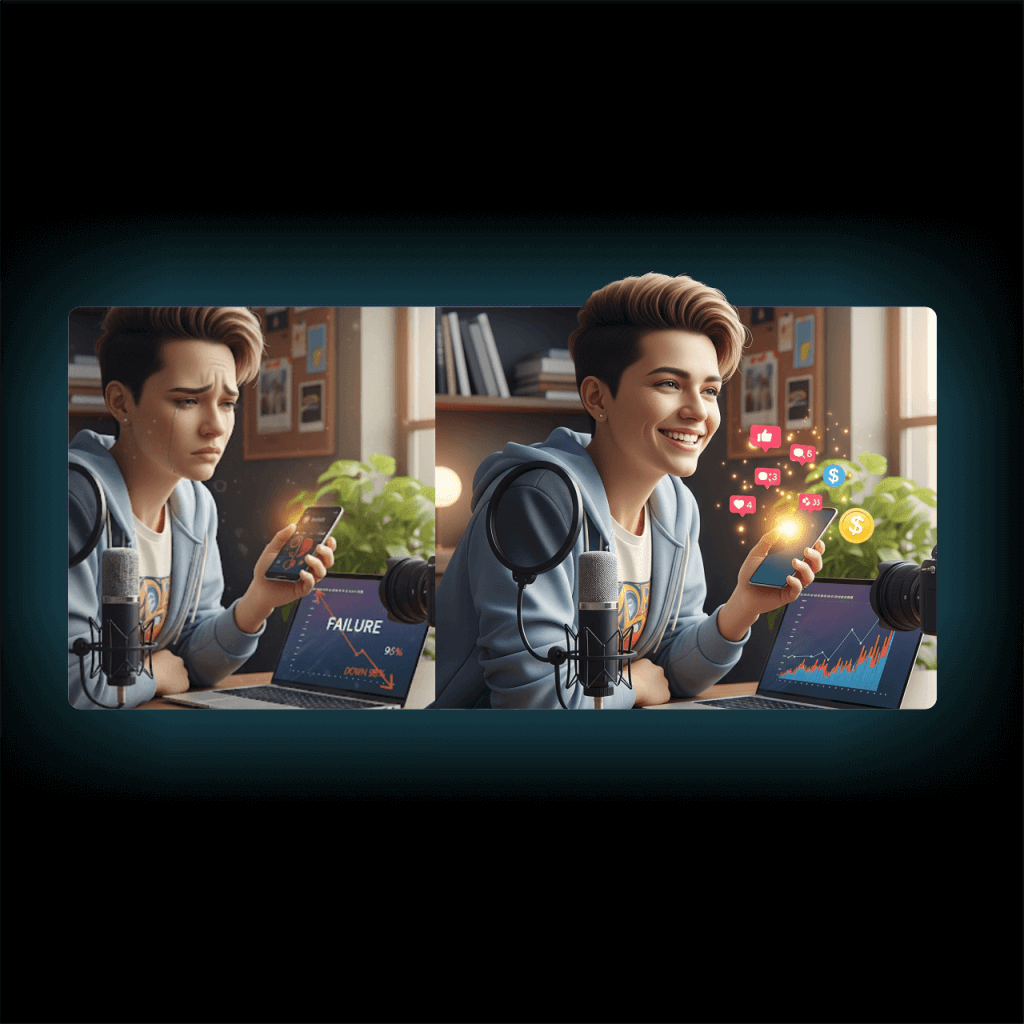
Oftentimes, you need to test dozens of different types of video content and variations to see what works. QuickVid provides hundreds of templates so you can create and test hooks, creative ideas, and viral videos in hours instead of weeks.
Build your audience AND sales
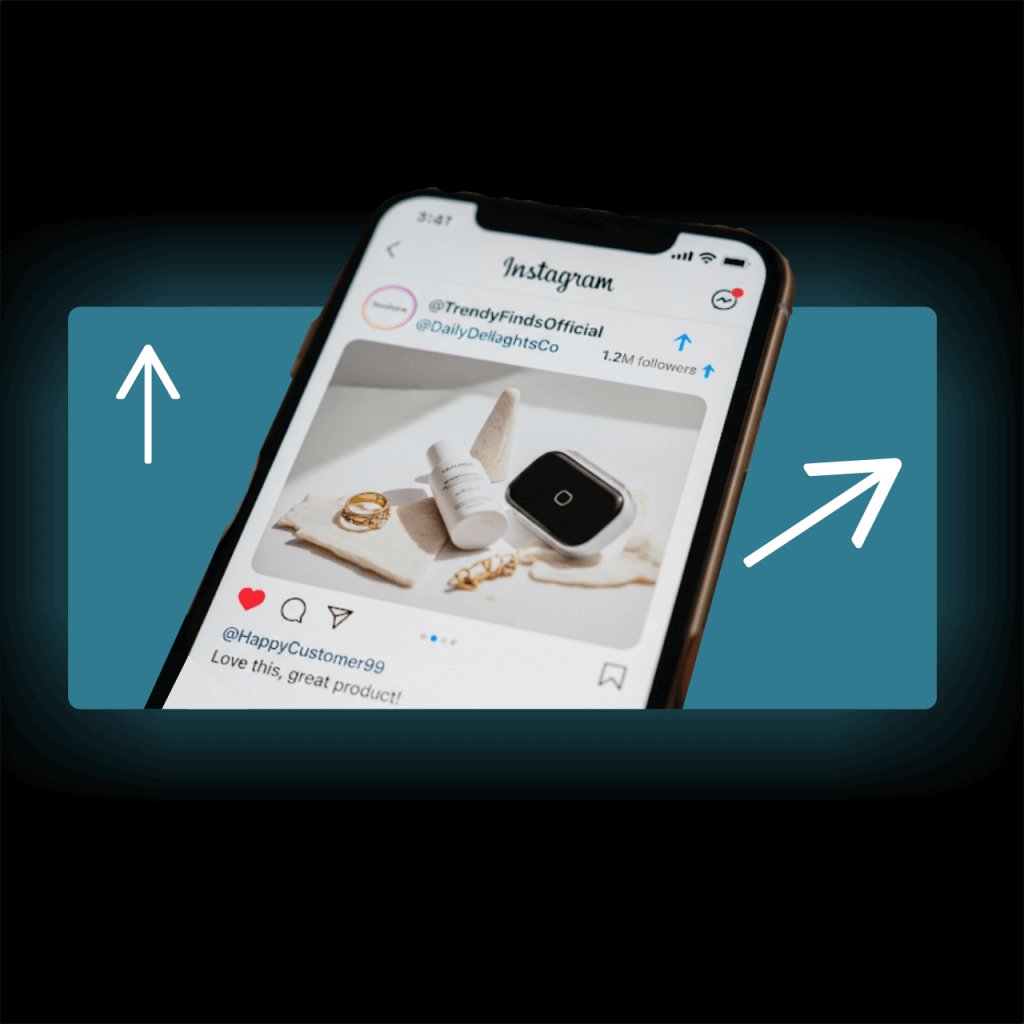
Use the engaging video content you create using QuickVid to show up in front of your audience every day. Grow your followers and easily sell products to people who already know, like, and engage with you.
Create your first video in 3 easy steps
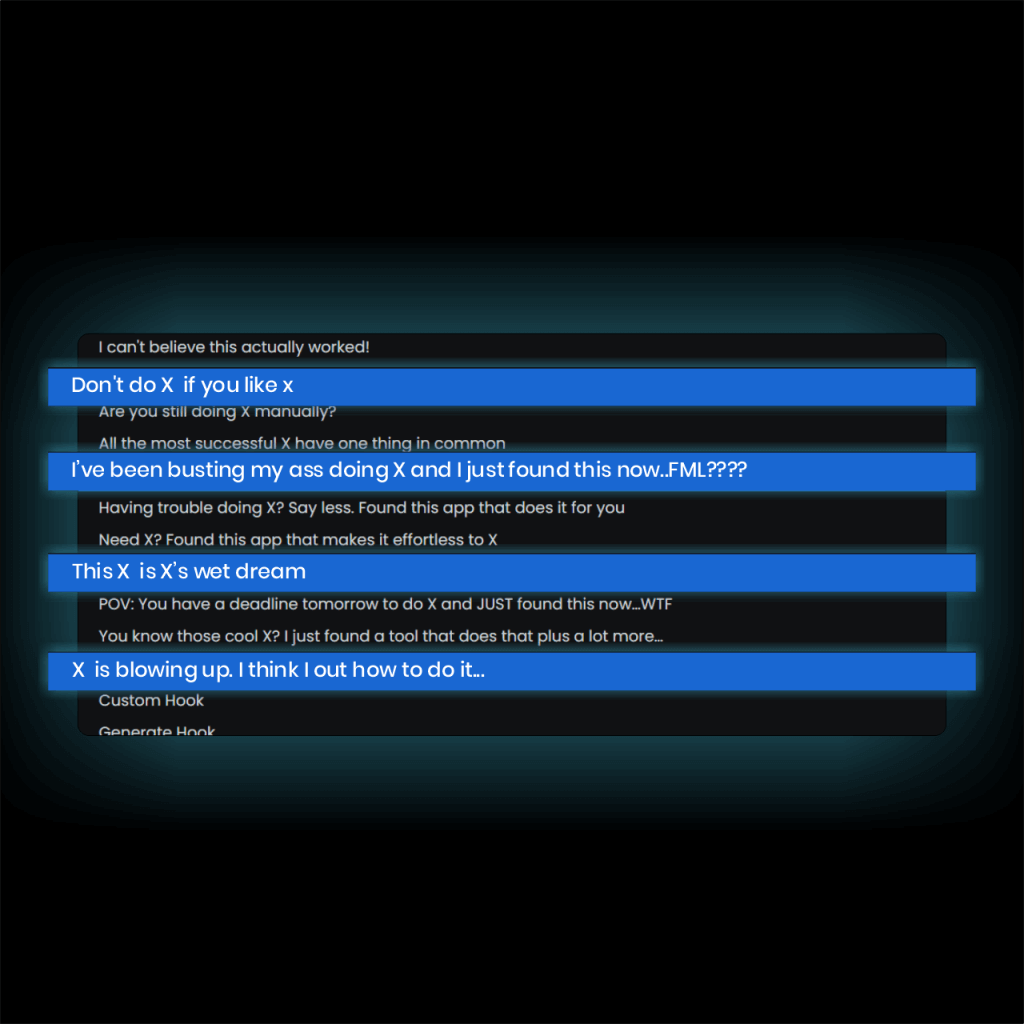
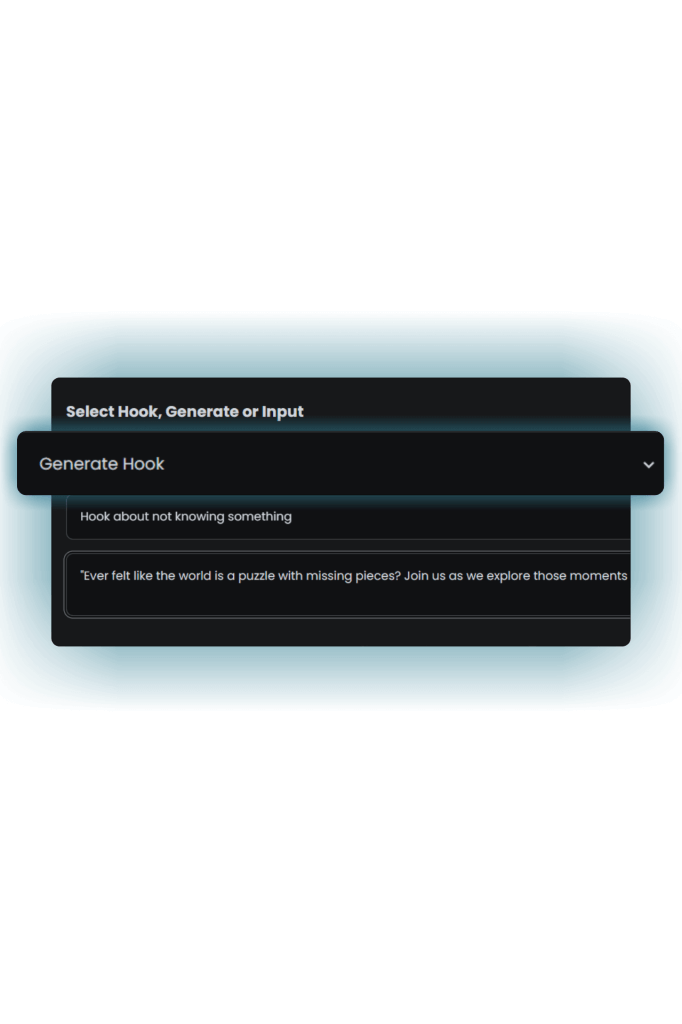
Step 1: Add or generate a hook
Just tell our AI engine what you want and it creates your text in seconds.
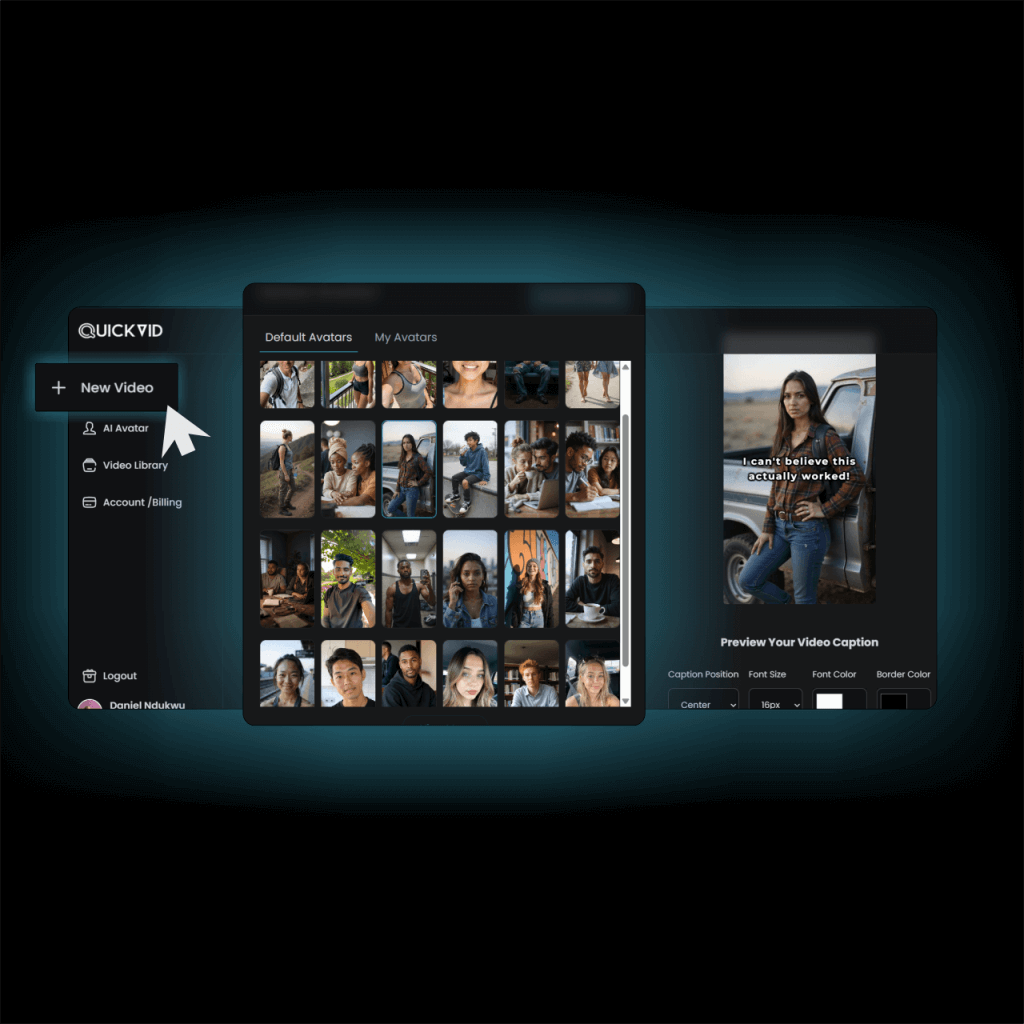
Step 2: Choose your avatar or Video style
Select form 200+ lifelike AI avatars or from hundreds of ready-to-use video templates.
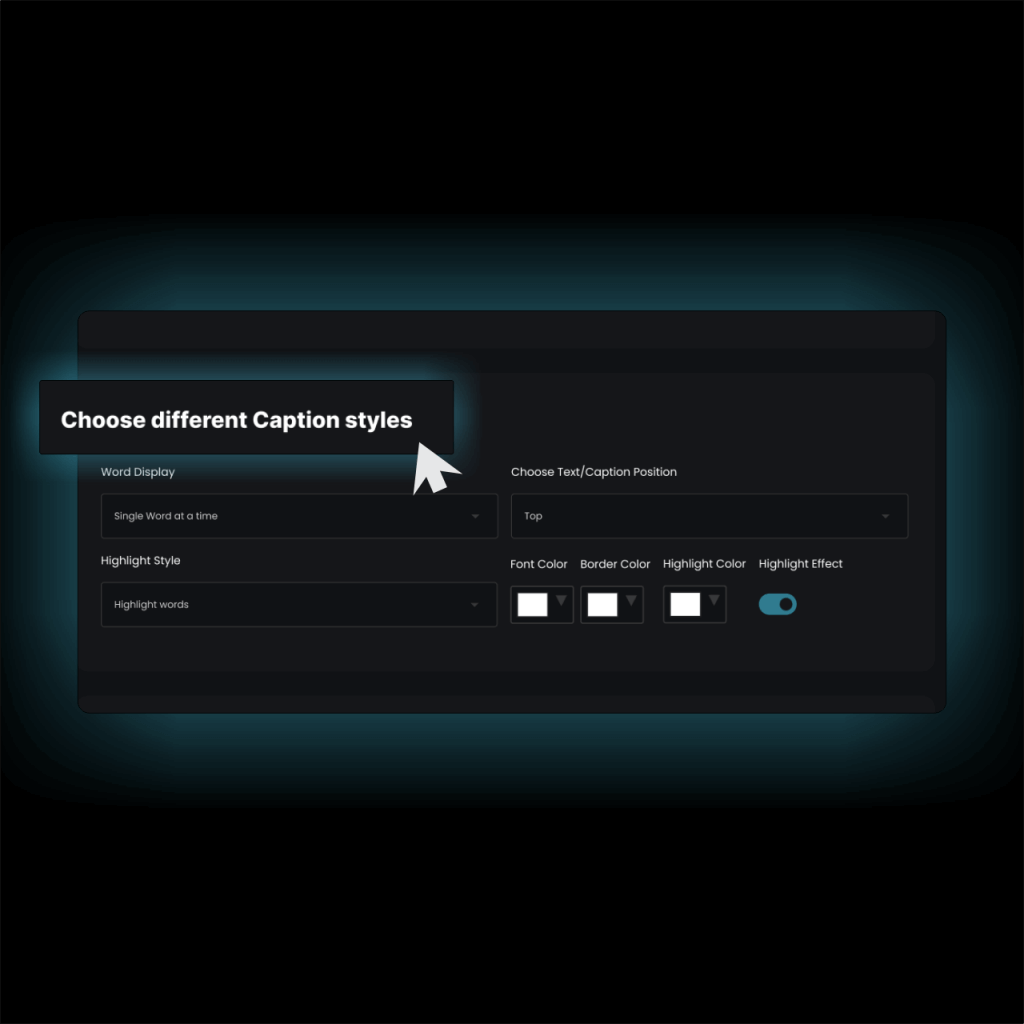
Step 3: Select all your options & create
Customize things like font, voiceover, audio, colors, and much more, then generate your video. It only takes a few minutes.
Here's why you'll
love QuickVid
Quickly create scroll-stopping UGC videos
UGC videos are a proven way to drive traffic, but hiring creators is expensive and time-consuming. With our tool, you can generate authentic-looking user-generated content in minutes without the back-and-forth.

Never run out of ideas again
Staring at a blank page is the fastest way to get a creative block. You know you need to be consistent, but you're constantly running out of ideas. With QuickVid, you can turn a topic into a viral-ready hook and video in minutes.
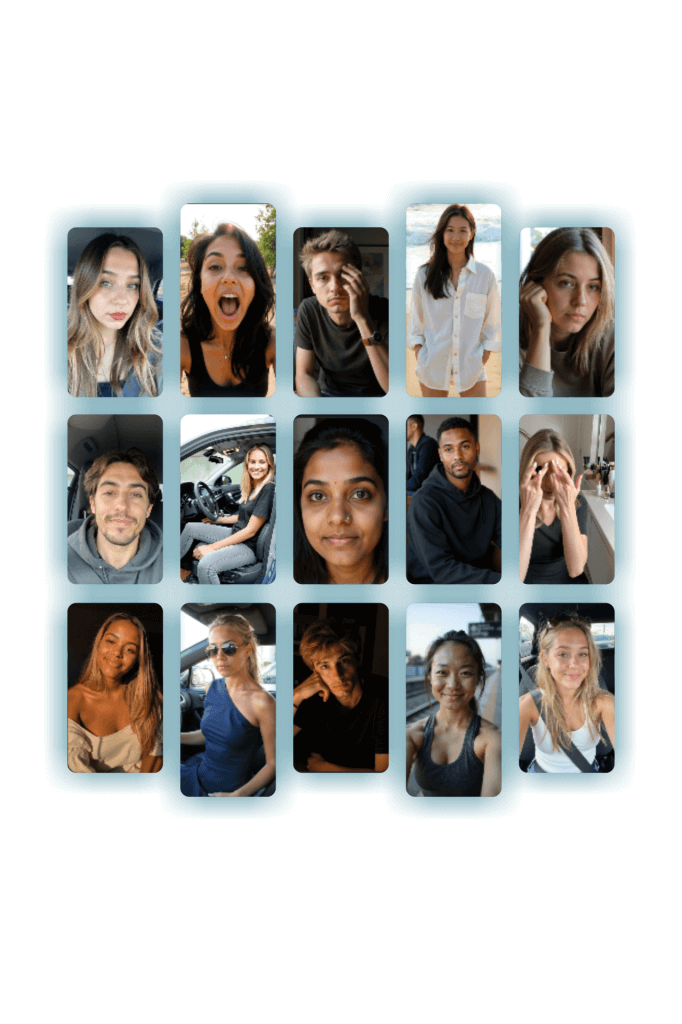
Get access to 200+ lifelike AI avatars
Generic stock footage can make your videos look cheap and unoriginal. Instead of looking like everyone else, use a diverse cast of AI-generated avatars that bring your content to life and make it feel unique.
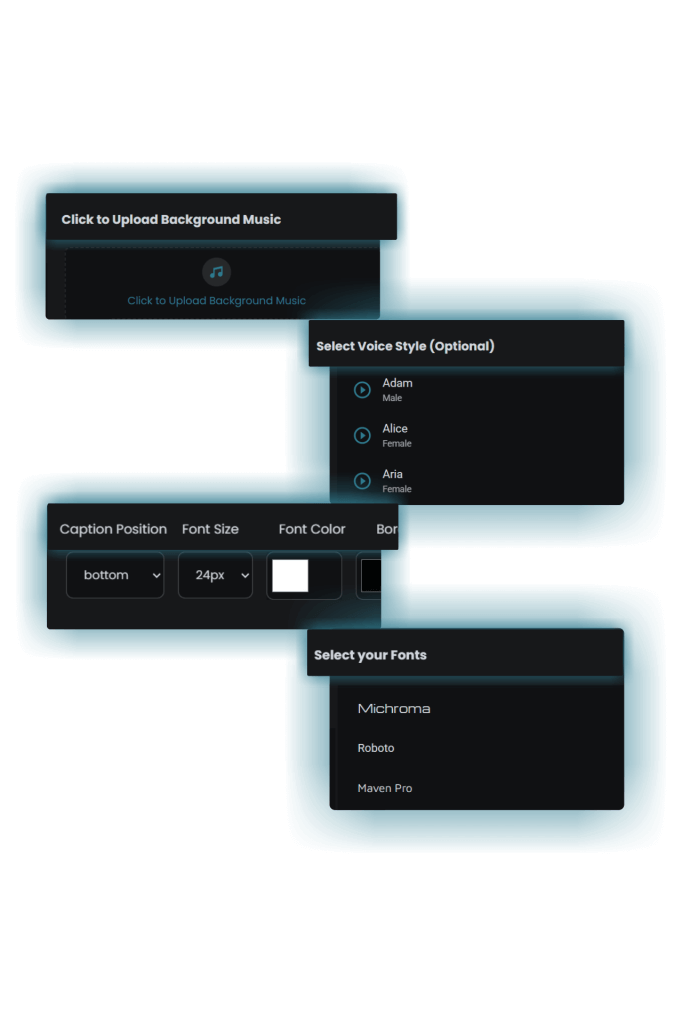
Customize the video however you want
Generic AI video apps can leave you with videos that look cheap, unprofessional, and the same as everyone else's. QuickVid gives you the power to fine-tune every detail, ensuring your content stands out and aligns perfectly with your brand.
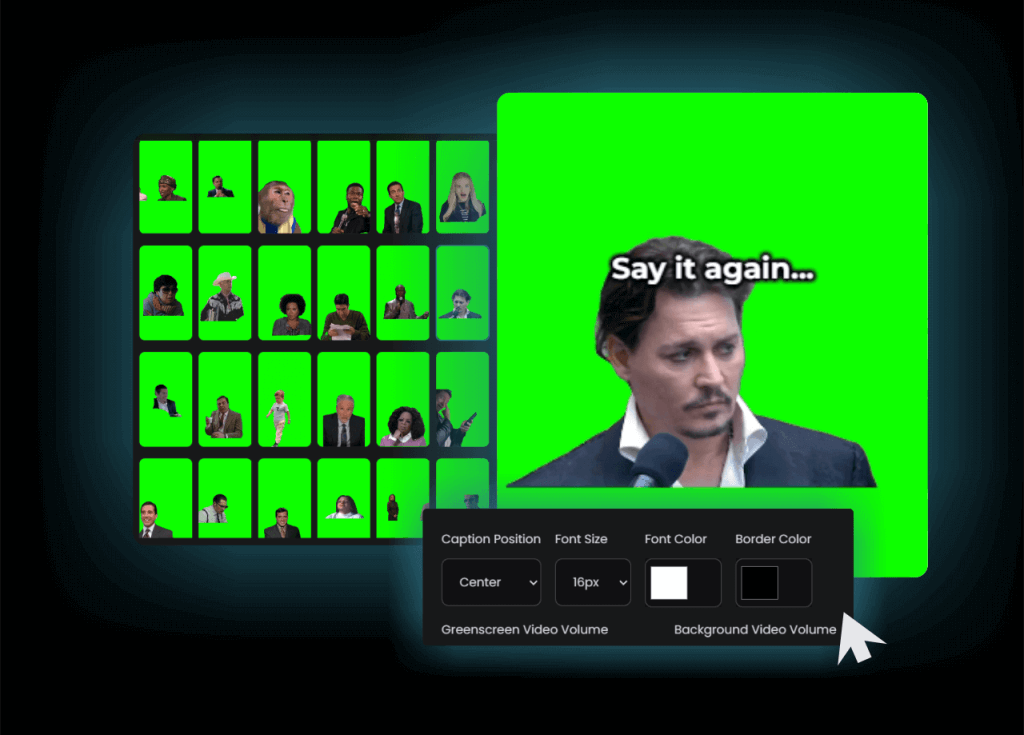
Produce niche-specific green screen videos
Generic stock clips often don't match your script and can make your videos look uninspired. QuickVid provides a simple way to create green screen videos that connect directly with people in your niche.
$47 Lifetime Access. Limited Time Only
Get the power of high-quality social media and ad content for just $47. You couldn't even commission one UGC video from a freelancer at that rate. Let alone run your entire operation. No agencies, creators, or editors needed. Just plug, play, and publish.

Here’s 5 examples of videos we made in
under 10 minutes
QuickVid is a perfect fit for
New and veteran content creators
Add variety to your content mix and grow your audience
eCommerce brands
Grow revenue with shortform UGC videos
Startups with smaller budgets
Experience social media growth without raising another round
Ad Agencies
Grow your client roster and scale ad creative production without hiring additional people
Marketing pros
Experiment with different content formats, faster to drive increased revenue
Coaches
Develop your social media presentce without taking time away from serving your clients
How People are using QuickVid’s
AI Video Generation Engine
Real Use Cases. Real Results.
Create Ads for Your DTC E-commerce Brand
QuickVid lets you quickly produce a high volume of UGC and meme-style videos to test in your ad campaigns.
Produce Short-Form Content for a Faceless Channel
You can create videos using over 200 AI avatars, AI-generated voiceovers, and scripts created by AI.
Launch a New Product on Social Media
You can use UGC-style videos to showcase a product demo and create anticipation with engaging hooks and scripts generated by AI.
Test Different Content Formats to Find a Winner
Instead of spending hours creating a single video, use QuickVid to test multiple formats and find out what resonates with your audience.
Save Time on Video Editing and Production
QuickVid streamlines the entire video creation process. The app removes multiple steps like filming and editing, allowing you to turn a script into a finished video
Create Content for Affiliate Marketing
You can create UGC-style videos using AI avatars that turn into a product demo or use niche memes to drive traffic to your affiliate links.
Repurpose Content from Your Podcast or Blog
The app handles the visuals, voiceovers, and captions, allowing you to create engaging video snippets that drive traffic back to your main content.
Test New Offers And Campaigns
You can quickly generate a variety of videos with different hooks and calls to action to see what resonates with your audience.
Build an Audience for Your Brand without Showing Your Face
QuickVid allows you to create high-quality, professional videos using AI avatars and voiceovers, and you never have to worry about showing your face.
More Reasons to Choose QuickVid
UGC Video Creator
Turn your text into professional, scroll-stopping UGC videos without spending hours or overpaying.

Pre-Made Hook Templates
Access proven templates that follow viral formulas, allowing you to create high-performing videos with minimal effort.

AI Hook Generation
Overcome creative blocks by using AI to instantly generate compelling hooks and scripts from a simple topic.

200+ Pre-Made AI Avatars
Use a diverse cast of AI avatars to represent your brand without the expense or hassle of human creators.
Overlay Text Customization
Customize the text on your videos to match your brand by adjusting the font, color, size, and position.

Background Music Upload
Give your videos the perfect soundtrack by uploading your own music and adjusting its volume.

AI Voiceovers
Add lifelike, high-quality narration to any video without hiring a voiceover artist.

UGC Demo Video
Combine a UGC hook video with a product demo to create a powerful, engaging advertisement.
Include Product Demos
Easily upload your own product demos to showcase your product in action within your videos.

Green Screen Meme Videos
Produce niche specific meme videos by overlaying characters on any background.

150+ Meme Video Templates
Get access to a large library of nearly 200 pre-made green screen meme videos to use.

Custom Background Video
Upload a background video of any length to use in your green screen meme videos.

Video Library
A collection of every video you’ve ever made, allowing you to view, download, or delete them anytime.

Full Video Control
Control the volume of every video element, decide on the font style, color position, choose the voiceover style, and so much more.
Get these bonuses when you sign up for QuickVid today
Bonus #1
Copy-Paste CTAs
for Viral & UGC Videos
Unlock 150+ proven calls to action that drive clicks, comments, and shares. Create strong CTAs that make the difference views and actual results.
- Use pre-written CTAs for every scenario from comedy to product reviews
- Turn passive views into active followers, leads, and sales
Bonus #2
The Make it Viral Formula
CheatSheet
Unlock proven short-form video frameworks so you can structure your content like top creators. Skip the guesswork, use plug-and-play formulas that hook fast and hold attention.
- Know exactly how to open, deliver, and close in under 30 seconds
- Apply real viral patterns used by creators across dozens of niches
Bonus #3
TikTok & Instagram Comment
Bait & Engagement Prompts
Grab 200+ psychology-backed prompts designed to boost engagement, so your posts spark conversations and signal the algorithm to keep pushing your video.
- Get your comment section moving without begging for replies
- Increase your chances of going viral by feeding the right engagement signals to the algorithm.
See What Folks Say About QuickVid
This is cheating
This is cheating and I love it. If I could, I would keep this to myself and not let anyone else use it. We use it to create UGC videos in minutes and it's essentially free compared to what we would have to pay for individual creators.

Joshua M.
Marketing Manager
Super easy to use
I’ve never created a social media page with the intention of growing it as big as possible. I didn’t have the time or the tools until I found QuickVid. It’s super easy to use and the results speak for themselves.

Melissa K.
Social media creator
I went viral
Loving it so far. On my 5th video, I went viral and got over 200,000 views. I normally get around 20,000.

Ashley W.
TikTok Creator
Grab a Limited Lifetime License to QuickVid Today,
And Never Pay Ongoing Fees Again
Special Offer
$47
(One Time Payment)
TOTAL VALUE: $1,146
YOURS TODAY FOR JUST $47
How QuickVid Stacks Up Against
The Competition
| Feature | QuickVid | Doing It Manually | Premiere Pro | CapCut |
| UGC Video Creator | ✅ | ✅ | ❌ | ✅ |
| AI Hook Generation | ✅ | ❌ | ❌ | ✅ |
| AI Avatars | ✅ | ❌ | ❌ | ✅ |
| Meme Video Library | ✅ | ❌ | ❌ | ❌ |
| Automated Video Creation | ✅ | ❌ | ❌ | ❌ |
| Custom Text & Fonts | ✅ | ✅ | ✅ | ✅ |
| Background Music Upload | ✅ | ✅ | ✅ | ✅ |
| AI Voiceovers | ✅ | ❌ | ✅ | ✅ |
| One-Time Payment | ✅ ($47) | ✅ | ❌ | ❌ |
| Monthly/Yearly Cost | $0 (after initial payment) | $0 | $22.99/mo or $263.88/yr | Free, or $9.99/mo |
You're In Good Hands
Fast live chat support
Money back guarantee
Over 1,000 users
Stripe secure checkout

FAQ
Frequently Asked Questions
Everything you need to know about QuickVid
What niches can I create videos in?
There’s no limit to the niches in which you can create videos. We’ve already prepared prompts for multiple topics, but you also have the option of creating custom prompts for a video script if you don’t see what you’re looking for.
Are there any extra payments/charges
No. What you see on this page is everything that you're going to get as part of the lifetime deal. There are no hidden charges, no bait and switch, etc.
Are videos created unique?
Yes, every video created is unique. The images and script are created on the spot and turned into a video for you alone.
Can I make edits to my videos?
Of course. You’re free to download your video and make changes to it as you see fit. You can also make edits within QuickVid. We’re working on creating a full-fledged editor within the platform that’ll allow you to make more complex changes to your video.
Can I choose the video length?
Yes, you can create videos that are up to 60 seconds and videos that are up to 90 seconds. When you add your demo videos, there's no hard limit to the length of the video.
Who owns the videos?
Any video you create using our platform belongs to you. We DO NOT retain the rights to the videos. The videos can also be used commercially by you.
What is the refund policy
Your satisfaction is a top priority for us. Unless otherwise stated, you're eligible for a refund within the first 30 days of purchase.
How long can the videos be?
For now, the maximum length for videos generated with our AI is 90 seconds. If you want to upload your own video, the length is flexible and is dependent on the length of the uploaded video. We’re working on providing the option for you to make longer videos.
Can I get more videos if I use up everything in my plan?
Since you're going to be purchasing a lifetime plan, the best option will be to purchase additional credits until your balance resets at the beginning of the next month. Video credits are available in increments of $10, which you can use to generate one-off videos.
Are my payments secure?
Yes, we handle all payments through Stripe which is one of the most secure payment processors in the world. Your payment details never hit our servers at any time.
How do I get in touch with support?
You can send us a message via our contact us page or log in to your account and use the live chat support option.